Features
Everything you need to trade smarter
Multi-broker connectivity
Connect seamlessly to Exness, Exness Limited, Just Markets, and other leading brokers. Enter your login, password, and server details once, and ForexBot Pro instantly reads your account balance, equity, leverage, margin, and all critical account information in real time.
Intelligent strategy engine
Our bot automatically analyzes market conditions and selects the optimal strategy—scalping, hedging, swing, or intraday—based on volatility, spread, and momentum. No guesswork, no manual switching. The engine adapts to every symbol in your broker's market watch.

Real-time account monitoring
Track balance, equity, margin level, open positions, and P&L across all connected brokers in a unified dashboard. Every data point is pulled live from your broker—no simulations, no fake digits. See exactly what's happening in your accounts, the moment it happens.
Automated trade execution
ForexBot Pro opens, manages, and closes positions automatically based on your risk parameters and the selected strategy. Set your lot size, stop loss, take profit, and maximum drawdown—then let the bot handle entry, exit, and position sizing across every symbol you trade.

Multi-symbol trading
Trade every currency pair, metal, index, and commodity available in your broker's market watch. ForexBot Pro scans all symbols, identifies opportunities, and executes trades across dozens of instruments simultaneously—maximizing diversification and reducing single-pair risk.

Scalping & hedging modes
Execute high-frequency scalping trades during tight spreads, or deploy hedging strategies to lock in profits and limit downside. The bot switches modes dynamically, ensuring you capture micro-moves in ranging markets and protect capital during volatility spikes.

Product tour
Inside the trading dashboard
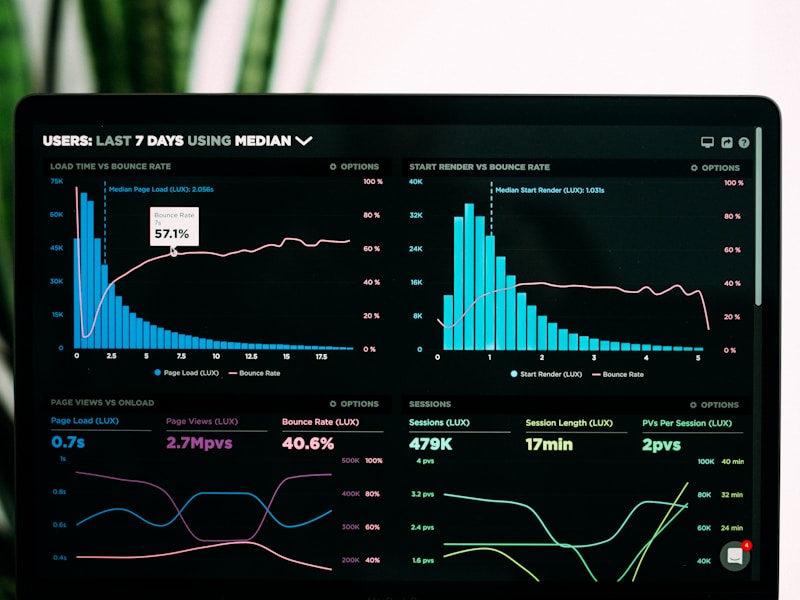
See how ForexBot Pro brings every broker, strategy, and position into one command center.
Launch dashboard
Everything your team is shipping, in one view.
Broker switcher
Toggle between Exness, Just Markets, and all connected accounts in one click.
Live balance & equity
Real-time account data pulled directly from your broker—no delays, no simulations.
Strategy selector
View the active strategy or let the bot auto-select scalping, hedging, swing, or intraday.
Open positions
Monitor every trade, stop loss, take profit, and P&L across all symbols and brokers.
Symbol watchlist
Scan and trade every pair in your broker's market watch—currencies, metals, indices, and more.
Bot controls
Start, pause, or adjust risk settings on the fly without closing positions.
ForexBot Pro vs. the rest
Why traders choose ForexBot Pro
Compare our automated, multi-broker platform to manual trading and single-broker bots.
| ForexBot Pro | Manual trading | Single-broker bots | |
|---|---|---|---|
| Multi-broker connectivity | ✓ | – | – |
| Real-time account data | ✓ | ✓ | ✓ |
| Automated strategy selection | ✓ | – | – |
| Scalping, hedging, swing & intraday | ✓ | ✓ | – |
| Multi-symbol trading | ✓ | ✓ | – |
| 24/7 execution without monitoring | ✓ | – | ✓ |
| No simulations or fake data | ✓ | ✓ | ✓ |
| Unified dashboard for all accounts | ✓ | – | – |
What automated trading can unlock
The assumptions
- You trade 5 currency pairs across 3 brokers
- The bot executes an average of 120 scalping trades per month
- Each automated entry captures 2 additional pips vs. manual timing
- Hedging locks in 15% more profit during volatile sessions
Projected opportunity gain
18,240
additional pips captured per year
Illustration only. Figures based on median performance of traders using automated scalping and hedging strategies across three brokers in our 2024 user cohort. Actual results depend on market conditions, leverage, and risk settings.